BMS upgrades · Obsolete and older systems · London
BMS Upgrades for Old and Obsolete Systems in London
Upgrade an ageing building management system in stages, without starting again: new controllers and a supported front end, while the sensors, valves and wiring that still work stay in place and the building keeps running.
- Free site visit in London
- Digital report with photos
- Building keeps running
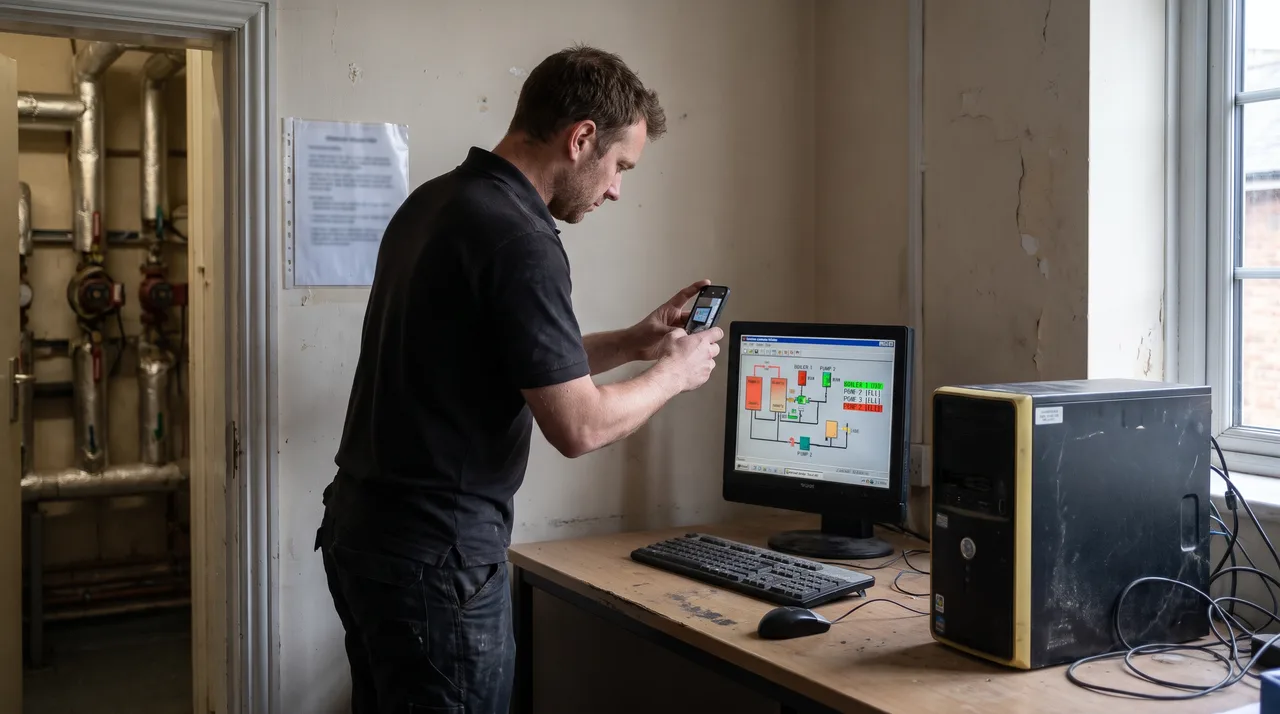
What is a BMS upgrade?
A BMS upgrade replaces the parts of a building management system that are obsolete, usually the controllers and the front-end PC, while keeping the parts that still work, such as the sensors, valves, actuators and field wiring. Done in stages, it gives the building a supported, secure and monitorable system without the cost and disruption of starting again.
Mainteniq upgrades older building management systems across London and the Home Counties, and in Manchester, Birmingham, Leeds and Bristol, from Trend IQ2 and IQ3 to Tridium Niagara AX, Delta ORCAview, Satchwell and Cylon. Looking after the system until then? See BMS maintenance; planning something new? See BMS installation.
Upgrade paths
Older Systems We Upgrade, and What They Move To
Find the system in your building. Not sure what it is? Send us a photo of the controller and we will tell you.
Older IQ2 outstations replaced with current IQ4 controllers, reusing the field wiring where it tests sound. Trend BMS
IQ3 controllers moved to IQ4 panel by panel, with the strategies carried across and improved. Trend BMS
An ageing 963 supervisor replaced with a supported front end, graphics redrawn to match the plant.
Tridium Niagara AX stations migrated to N4, so the system is supported and secure again. Tridium Niagara BMS
The older Delta workstation replaced with enteliWEB in a browser. Delta Controls BMS
Obsolete Satchwell controls replaced with current controllers while the sensors, valves and wiring are kept.
Older Cylon systems supported, then upgraded or replaced in stages depending on what is installed.
Earlier-generation systems from the big manufacturers kept running, then moved to a supported platform.
Why an Old BMS Is a Risk, Not Just an Annoyance
An obsolete BMS usually keeps working right up to the day it does not. The longer it runs past the end of support, the more one failed part can take a plant room down, and the harder it is to get anyone to fix it.
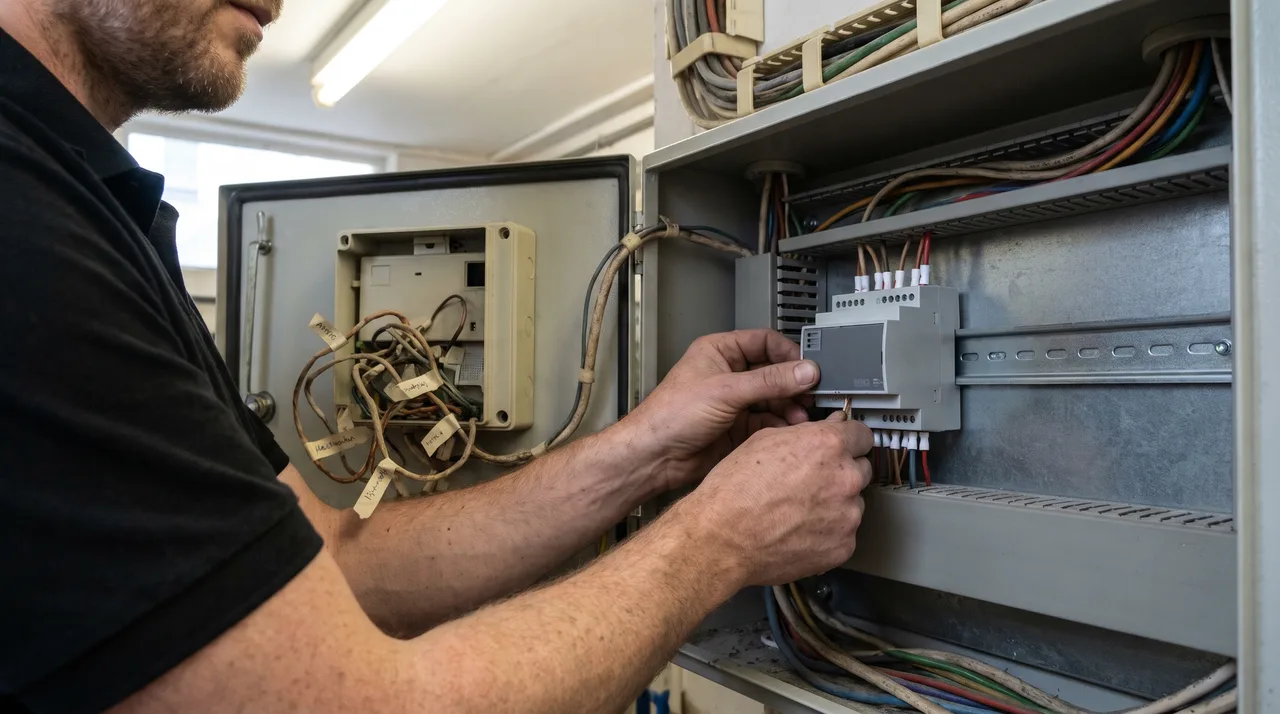
No spare parts
When an obsolete controller fails there may be nothing to replace it with, and the plant it ran stops with it.
An unsupported PC
Old front-end PCs run operating systems that no longer get updates, and they fail without warning. Windows 10 joined that list on 14 October 2025, when Microsoft ended support.
A security gap
An unpatched BMS on the building network is an easy way in. Modern front ends can be secured properly.
No remote access
Older systems cannot be monitored safely from outside, so faults are found by residents, not by alarms.
Wasted energy
Drifted schedules and setpoints nobody can change keep plant running when it does not need to.
Poor data
Heat networks are now regulated, and an old BMS often cannot produce the records a block needs.
Dates to plan around
End-of-Support Dates Behind Most BMS Upgrades
Most upgrades are triggered by a date, not a breakdown. These are the ones we see most often in London buildings.
Since 1 July 2023
Niagara AX: support ended
Niagara AX licences stopped being sold on 1 July 2021 and support ended on 1 July 2023. AX systems cannot jump straight to the next generation: they have to go through Niagara 4 first. See Tridium Niagara BMS.
Since 14 October 2025
Windows 10: support ended
Many BMS front-end PCs still run Windows 10. Microsoft no longer issues free security updates, so the PC is a risk on the building network. The front end can be moved to a supported system without changing the field controllers.
Q3 2028
Niagara 4: planned end of life
Tridium has announced end of life for Niagara 4 in the third quarter of 2028, with Niagara 4.15 as the final release and Niagara 5 planned to follow. Buildings on N4 have time, but should plan the next step rather than wait for it.
From 2031
MEES: EPC B for larger rented buildings
In its June 2026 response the government set EPC B from 2031 for rented non-domestic buildings over 1,000 m², where cost-effective. A modern, well-tuned BMS is one of the cheaper ways to improve a rating.
Niagara dates as announced by Tridium and reported by its partners in February 2026; they can change. Check your own system's version and hardware with us before planning.
What We Replace, and What We Keep
A BMS is built in layers. The top two age fastest. The bottom two are where most of the original cost went, and they usually have years left in them.
- Front endOld PC or legacy supervisorReplacedSupported web-based front end
- ControllersObsolete outstationsReplacedCurrent controllers, panel by panel
- Sensors, valves and actuatorsTested against a referenceKeptKept wherever they test sound
- Field wiring and panelsTested and labelledKeptKept and re-terminated
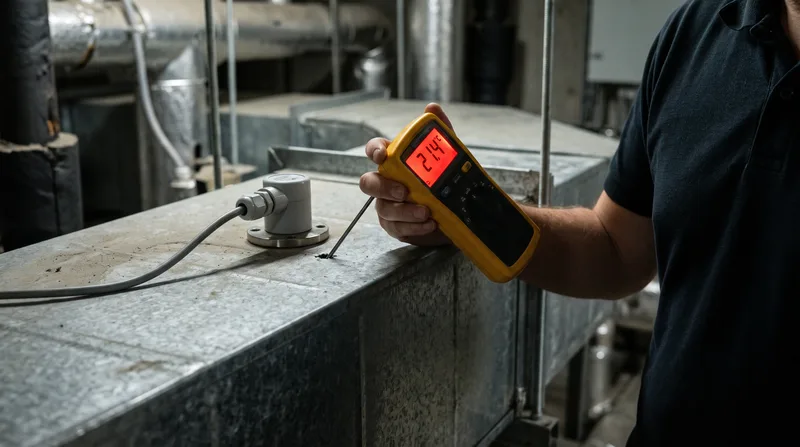
Nothing is kept on trust. During the survey each sensor is checked against a calibrated reference, each valve and actuator is driven through its travel, and the field wiring is tested and labelled. Anything that fails is replaced as part of the upgrade; everything that passes stays, which is usually where most of the saving comes from. You see the results in the photo report before you decide anything.
How a Staged BMS Upgrade Works
One area at a time, so residents and staff barely notice. Short switch-overs are agreed with you in advance.
- 1
Free site visit
We look at the controllers, the front end and the plant, and photograph what is installed. Free in London; in the Home Counties, free for larger jobs, otherwise we quote the visit first.
- 2
Survey and points list
Every sensor, valve and output listed and tested, so we know exactly what can be kept.
- 3
Phased upgrade plan
The building split into areas, with an order of work that keeps heating, cooling and ventilation running.
- 4
Changeover, one area at a time
Old controllers swapped for new, strategies loaded and each area proven before the next one starts.
- 5
Recommissioning
Every loop, schedule and alarm tested against the design, and setpoints tuned for how the building is used now.
- 6
Handover and monitoring
Backups, drawings, points list and user accounts handed to you, with remote monitoring set up if you want it.
Orphaned systems
The Installer Has Gone and Nobody Has the Passwords
It is one of the most common calls we get. The company that fitted the BMS has closed or stopped answering, there are no drawings, and nobody can log in. We take the system over first, then plan the upgrade, so the building is never left without control.
Access recovered
We work out how to get into the system, then set up user accounts held by the building.
Everything documented
Controllers, points, strategies and settings written down, often for the first time.
Backups taken
Copies of the strategies and graphics stored where your team can reach them.
Kept serviced
Planned visits with a photo report, while we plan the upgrade with you.
Licences in your name
New software licences registered to the building wherever the manufacturer allows it. Where a licence cannot be transferred, we tell you before you commit.
Remote access agreed with IT
Old modems and unknown connections removed. Any remote route is one your IT team approves, with named accounts.
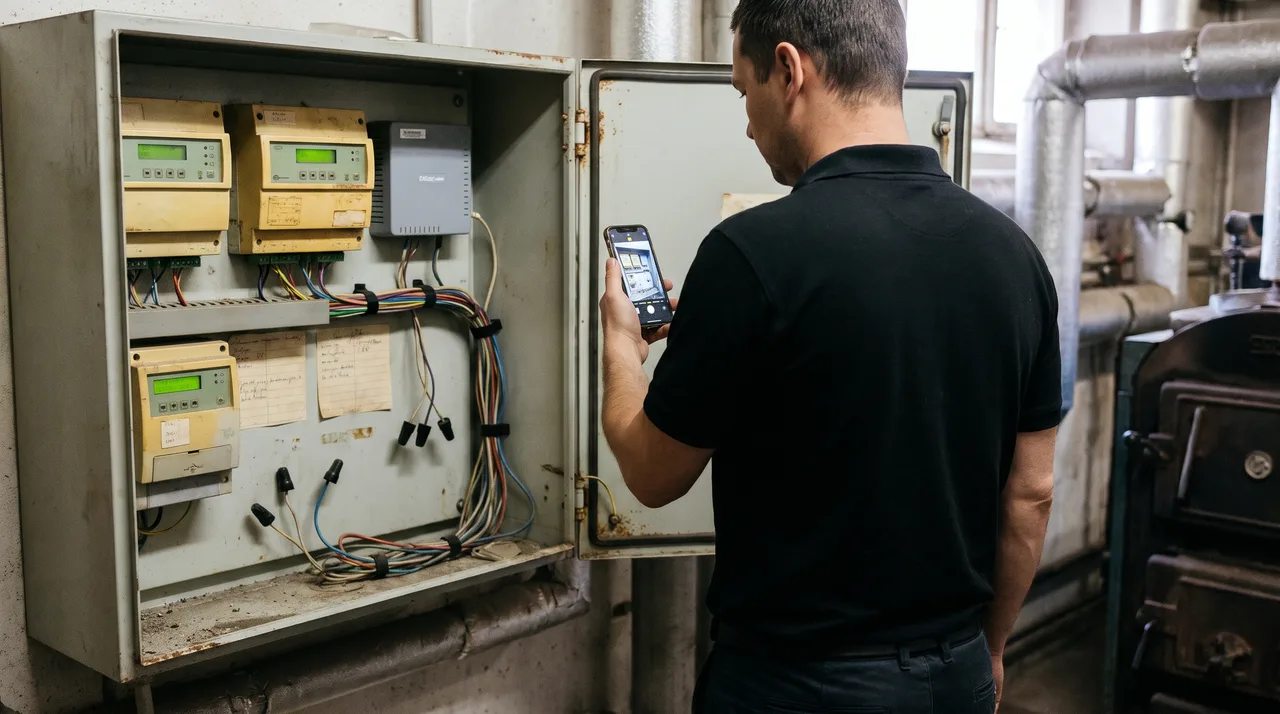
What Building Owners Worry About Before an Upgrade
An upgrade sounds like a big, risky job. Usually it is neither. These are the worries we hear most.
“Upgrading means ripping everything out”
Most of the cost of a BMS is in the sensors, valves and wiring, and those are usually kept. We replace controllers and the front end panel by panel.
“Only the original manufacturer can upgrade it”
Upgrade paths such as Trend IQ2 and IQ3 to IQ4, Niagara AX to N4 and ORCAview to enteliWEB are standard. Where a manufacturer restricts tools or licences, we tell you at the survey.
“The heating will be off for weeks”
Changeover happens one plant area at a time, so heating, cooling and ventilation keep running. Short switch-overs are agreed with you in advance.
“Our IT team won't let a new system onto the network”
We agree the network design and any remote access with your IT team first, in line with the IET Code of Practice for Cyber Security in the Built Environment. A new, supported front end is usually far easier for IT to approve than the old one.
Where We Upgrade BMS
Across all 32 London boroughs, with a free site visit, and a 120-mile radius of the Home Counties, where the visit is free for larger jobs and quoted first for smaller ones. We also take on BMS upgrades, maintenance and new installations in four major cities outside that area.
Outside London, send us your BMS details first: photos of the controller and panel, and what is going wrong. We reply with a recommendation and the next steps.
Not sure whether to repair, upgrade or replace?
Not every older BMS needs upgrading yet. Some only need a proper service and a recommission. Our BMS maintenance page sets out the three routes side by side, and the free site visit tells you which one fits your building.
Repair, upgrade or replaceWhat customers say on Google
“I've had the pleasure of working with Petru and his team on a number of maintenance jobs, and they've always been fantastic. They're professional, reliable, and complete every job to a really high standard. Petru is incredibly knowledgeable and it's clear he takes pride in his work.”
Deborah L.
Google review
“Excellent service. Price assessment: reasonable price.”
Attila B.
Google review
“The team is knowledgeable, efficient, and attentive to detail. A great choice for anyone looking for reliable maintenance services. Highly recommended!”
Ben
Google review
Related Services
Find Out What Your Old BMS Can Keep
Book a site visit: free in London, and free for larger jobs in the Home Counties. We test what is there, photograph it, and show you what can stay and what needs to go, before you commit to anything.