What Does Remote BMS Monitoring Cover? Alarms, Trends and Energy Checks
Your building management system already collects the data. Remote monitoring is about someone actually reading it. Here is what gets watched, what it catches, how the connection is kept safe and where its limits are.
Remote BMS monitoring means an engineer reads your building management system over a secure connection between site visits. It covers three things: alarms, such as a failed pump or low system pressure; trend logs, which show how temperatures and plant behave over weeks; and energy checks, which compare meters, run hours and schedules with how the building is really used.
Looking for a team to do it rather than an explanation? See our building monitoring services for London and the Home Counties, or building management system maintenance with monitoring built in.
What is building monitoring, and how is it different from a BMS?
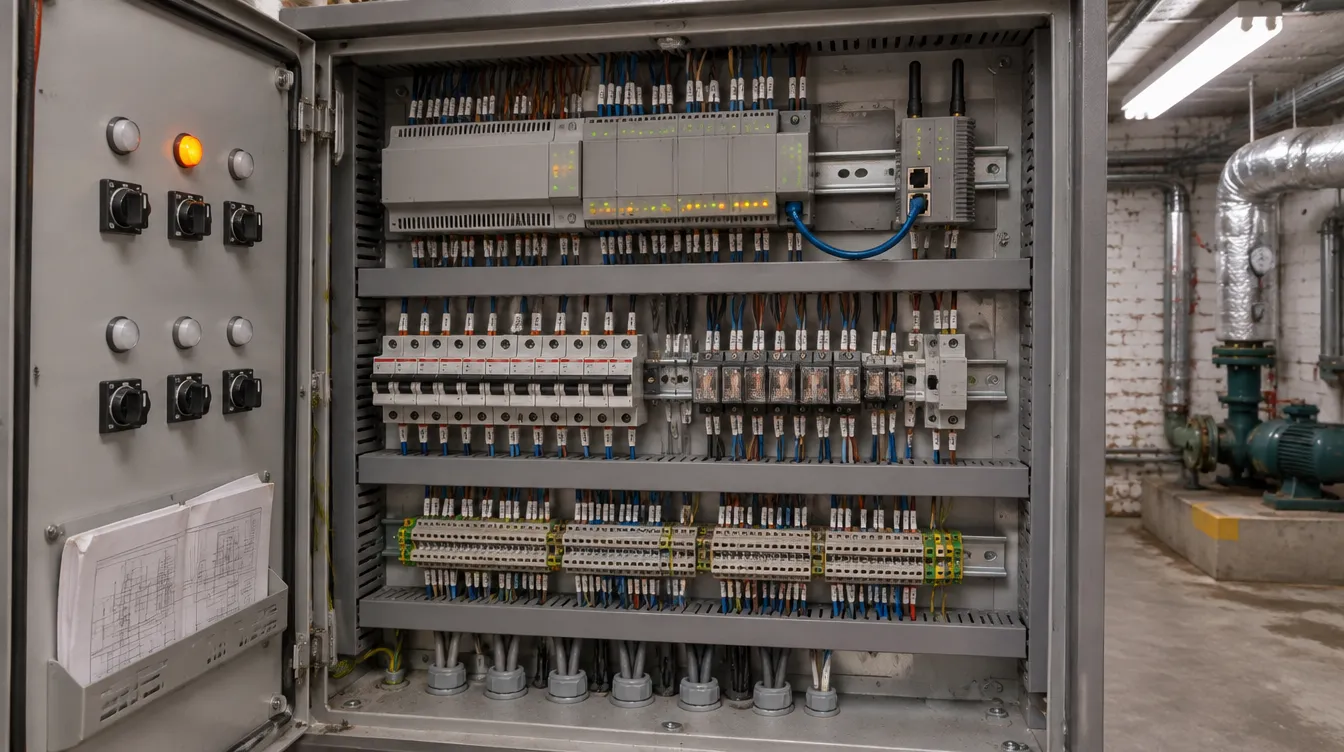
The BMS is the control system; building monitoring is the job of watching what it reports and acting on it. A BMS reads sensors, runs the plant on schedules and raises alarms, but it cannot decide whether an alarm matters, why the heating ran all weekend or whether a valve has been stuck half open for a month. That takes a person. If you are new to how the system itself works, start with our guide to what a building management system is.
In many London buildings the front end is on a PC in the plant room or a security office. Alarms appear on that screen, and if nobody is looking, nothing happens. Remote monitoring moves that screen to an engineer who is paid to look at it.
What does remote BMS monitoring actually watch?
It watches the points that show plant is failing, comfort is slipping or energy is being wasted. The exact list depends on what the BMS controls, but in a London residential block or office it usually looks like this:
| What is watched | Typical points | What it catches |
|---|---|---|
| Heating plant | Boiler or heat pump status, flow and return temperatures, system pressure | Lockouts, low pressure, flow not reaching setpoint, high return temperatures |
| Pumps | Run and fault signals, duty and standby changeover | A tripped pump, standby not taking over, pumps left in hand |
| Hot water | Storage and plate heat exchanger temperatures | Hot water too cool, which matters for comfort and legionella control |
| Ventilation and cooling | Air handling unit status, filter pressure, chiller and fan coil unit signals | Blocked filters, fans off, heating and cooling fighting each other |
| Spaces | Room and outside air temperatures | Overheating, cold zones, a faulty outside air sensor upsetting compensation |
| Energy | Gas, electricity and heat meters, plant run hours | Plant running overnight or at weekends, rising use with no obvious reason |
| The system itself | Controller communications, front end, backups | A controller dropping off the network, lost programmes, no current backup |
How are BMS alarms handled remotely?
Good alarm monitoring starts by agreeing which alarms matter, who receives them and what happens next. Many buildings have dozens of standing alarms that everyone has learned to ignore, which means the one that matters gets ignored too. Before monitoring starts, we sort the alarms into priorities with the building manager:
| Priority | Examples | Typical action |
|---|---|---|
| Urgent | All boilers locked out, system pressure lost, both pumps failed, plant room flood alarm | Engineer sent; out of hours through our 24/7 emergency line |
| Same or next working day | Standby pump running after duty failure, hot water below target, one AHU off | Checked remotely first, then a visit if it cannot be cleared |
| Planned | Dirty filter, sensor drifting, valve not reaching position | Logged and fixed at the next planned visit |
| Nuisance | Alarms that trigger daily with no real fault | Limits or delays corrected so they stop hiding real alarms |
When something has already failed and the cause is not obvious, our BMS fault finding engineers trace it from the alarm back to the panel, the sensor or the valve.
What do trend logs and energy checks show?
Trend logs show how the building behaves over time, which is where most wasted energy hides. A single reading looks fine; a week of readings shows the heating starting at 4am, a valve that never closes or cooling running while the heating is on. According to the Carbon Trust's heating, ventilation and air conditioning guide (CTV046, 2017), heating costs rise by about 8% for each 1°C of overheating, and a building energy management system can reduce total energy costs by 10% or more.
The rules point the same way. For buildings other than dwellings with heating or air conditioning over 180kW, Approved Document L Volume 2 (2021 edition incorporating 2023 amendments) expects a new or replaced building automation and control system to continuously monitor, log and analyse energy use, detect losses in efficiency and tell the person responsible (paragraphs 6.66 to 6.72). Monitoring is how that information actually reaches someone.
Turning what the trends show into lower bills, by correcting schedules, setpoints and control sequences, is the work of BMS optimisation.
How is a BMS connected for remote monitoring securely?
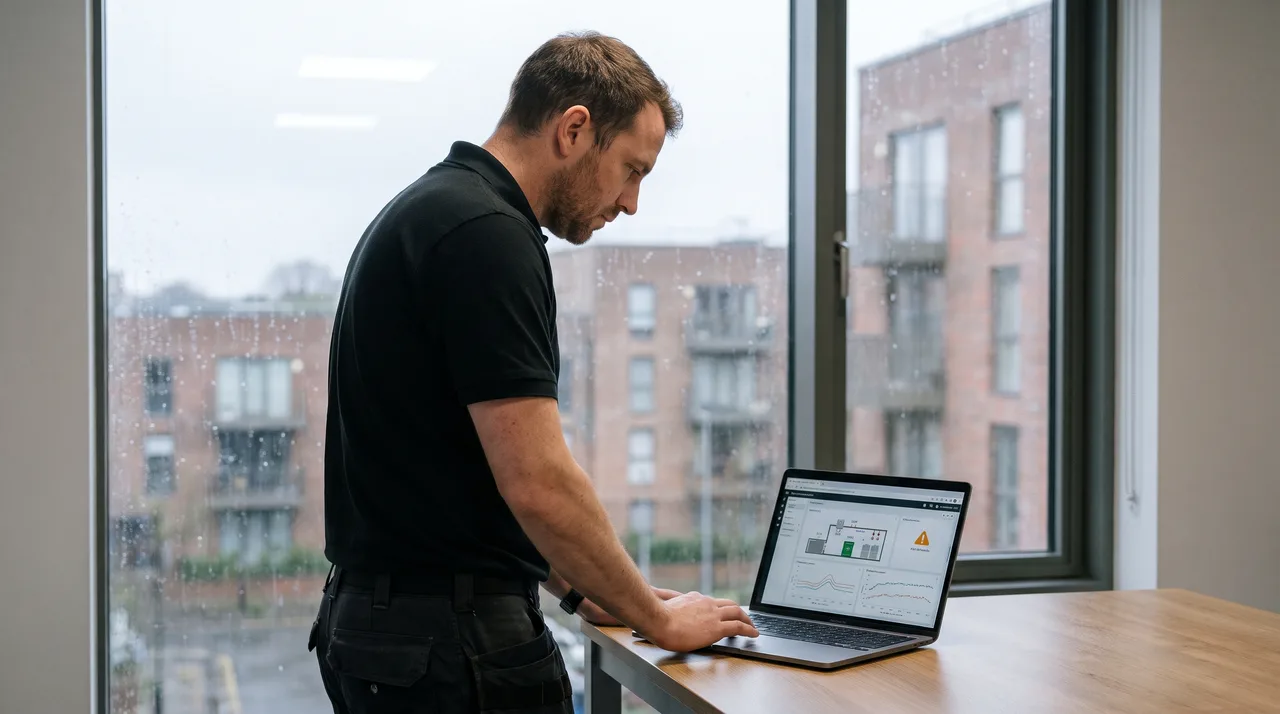
Only through a route the building's IT team approves, with named accounts, no shared passwords and access limited to what each person needs. A BMS controls real plant, so an open connection is a real risk. The UK reference is the IET Code of Practice: Cyber Security in the Built Environment (revised second edition, 2021), produced with the National Cyber Security Centre. In practice we check:
- how the BMS reaches the outside world, for example a secure router or the building's own network, and that nothing is exposed directly to the internet
- that default passwords on controllers and the front end have been changed
- that each engineer has a named login, and access is removed when people leave
- that remote changes are logged, and that a current backup of every controller programme exists
- that firmware and front-end software are still supported
Some older systems cannot be connected safely at all. Where that is the case, a phased BMS upgrade, often keeping the existing sensors, valves and wiring, comes first.
What can remote monitoring not do?
It cannot turn a valve, change a sensor or clean a strainer. Monitoring tells you something is wrong and often where, but a seized actuator, a failed pump or a sensor reading 5°C out still needs an engineer on site. It also only sees what the BMS is wired to measure: if a plant item has no fault signal, a failure will only show up indirectly, for example as a falling temperature. That is why monitoring works best as part of a planned maintenance contract, not instead of one.
Is remote monitoring worth it for a residential block?
For a block on a communal heat network, usually yes, because residents feel plant problems quickly and the regulator now expects good records. In a block the BMS typically runs the boilers or heat pumps, pumps, pressurisation and heat exchangers that feed every flat's heat interface unit. Watching flow and return temperatures catches the problems that turn into lukewarm hot water complaints, and the logged data helps show the network is run properly. See our heat network maintenance service and our guide to the heat network regulations for managing agents.
What happens when you ask us to set it up?
- Free site visit. Across London and the Home Counties, an engineer surveys the BMS, panels and plant, and you get a digital report with photos.
- Connection agreed. We agree the route with your IT team, before anything is connected.
- Alarms sorted. We set priorities, recipients and limits with you, and clear the nuisance alarms.
- Monitoring starts. Alarms, trends and energy are reviewed between planned visits, and each visit starts with the data already read.
To talk about monitoring for your building, see our building management systems service and book the free site visit.
Sources
- GOV.UK: Approved Document L, Volume 2 Buildings other than dwellings (2021 edition incorporating 2023 amendments), paragraphs 6.66 to 6.72
- Carbon Trust: Heating, ventilation and air conditioning guide (CTV046, 2017)
- IET: Code of Practice, Cyber Security in the Built Environment (revised second edition, 2021)
Related services & guides
Talk to a London maintenance specialist
Whether it's one property or a portfolio, we'll put your compliance and servicing on a single planned maintenance contract. Get a no-obligation quote.